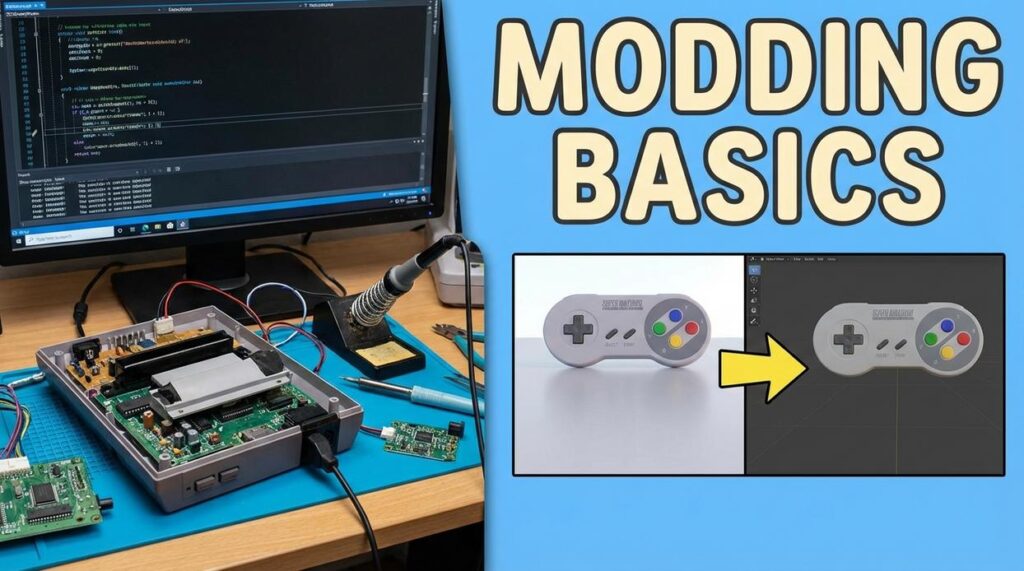
If you’re searching for a clear, up-to-date game modding tools guide, you probably want more than a random list of downloads. You want to know which tools are actually worth using, how they fit into modern workflows, and how to optimize your setup without wasting hours on outdated tutorials.
This article is built to do exactly that. We break down essential modding tools, explain how they integrate with popular engines and frameworks, and highlight optimization techniques that improve stability and performance. Whether you’re customizing textures, scripting new mechanics, or building full-scale overhauls, you’ll find practical insights tailored to today’s modding landscape.
Our recommendations are based on continuous tracking of digital trends, emerging coding frameworks, and real-world performance testing across modding environments. We focus on what works now—not what worked years ago.
By the end, you’ll have a streamlined understanding of the tools you need, how to use them efficiently, and how to level up your modding projects with confidence.
Unlocking Your Favorite Games: A Modder’s Toolkit
Modding simply means changing a game’s files to alter how it looks or behaves. That could be new characters, sharper graphics, or fresh storylines (yes, even that Skyrim dragon reskin).
Core Tool Categories
First, use a mod manager—software that installs and organizes mods safely. Next, a file extractor opens packed assets. Finally, an editor like Notepad++ or Blender lets you adjust code or 3D models.
| Task | Tool | Purpose |
|---|---|---|
| Install mods | Vortex |
Avoid conflicts |
| Edit scripts | Notepad++ | Clean changes |
| Create models | Blender | Build assets |
This game modding tools guide helps you begin today confidently.
The Foundation: Why Specialized Tools Are Non-Negotiable
Let’s start with the basics. A mod (short for modification) is an alteration of a game’s existing files—textures, scripts, models, or mechanics—to change how it looks or behaves. Simple in theory. Infuriating in practice.
Here’s the frustration: many beginners assume they can crack open game files with Notepad or a generic editor and start tweaking. That’s like trying to fix a spaceship with a butter knife. Most games store assets in proprietary, compressed archives such as .bsa, .wad, or .forge files. Without the right extractor or editor, you’re staring at digital gibberish.
There are universal tools, like texture editors that work across multiple engines. Useful? Absolutely. But they only get you so far. For deeper changes, you need game-specific toolkits—like Creation Kit for Skyrim or REDkit for The Witcher—built to understand that game’s internal logic.
Pro tip: start with a reliable game modding tools guide before installing anything (it saves hours of trial and error).
The Modder’s Arsenal: Essential Software by Category
Every great mod starts with the right tool. Think of your setup like a creative loadout—visuals, structure, logic, and sound. Each category serves a different purpose, and choosing the right software often comes down to A vs B trade-offs.
For Visuals – Texture & 2D Asset Editors
These tools change how things look—from re-skinning armor to redesigning UI elements.
- GIMP (free) vs Adobe Photoshop (paid)
GIMP gives you powerful editing without the price tag (great for beginners). Photoshop offers advanced brushes, AI-assisted tools, and tighter workflow integration. If you’re collaborating or doing professional-grade textures, Photoshop wins. For hobbyists? GIMP more than holds its own. - Paint.NET (free) vs GIMP
Paint.NET is lighter and simpler. GIMP is deeper but more complex.
Texture editing means modifying 2D image files wrapped around 3D objects—like repainting a car without rebuilding the engine.
For Structure – 3D Model & Mesh Tools
A mesh is the 3D framework that defines shape.
- Blender (free, industry standard) vs specialized tools
Blender handles modeling, rigging, and animation all in one place. Tools like NifSkope (for Bethesda titles) focus on editing existing meshes quickly. Blender is your workshop; NifSkope is your precision screwdriver. - Outfit Studio excels at adjusting clothing to character bodies—less overwhelming than full 3D suites.
If you’re reshaping swords or redesigning characters, start here.
For Logic – Script & Data Editors
This is where gameplay rules live.
- Visual Studio Code vs Notepad++
VS Code offers extensions, debugging, and syntax highlighting. Notepad++ is lightweight and fast. For complex scripting, VS Code shines. For quick edits, Notepad++ feels instant. - xEdit/TES5Edit specialize in editing structured game data safely.
Scripting means writing instructions that tell the game how events, quests, or items behave.
For Sound – Audio Editing Software
- Audacity (free) handles voice lines, sound effects, and music edits.
Audio tools shape immersion—because silent dragons just aren’t scary.
This game modding tools guide should help you compare options clearly and build your ideal creative arsenal.
Your First Project: A Simple Modding Workflow
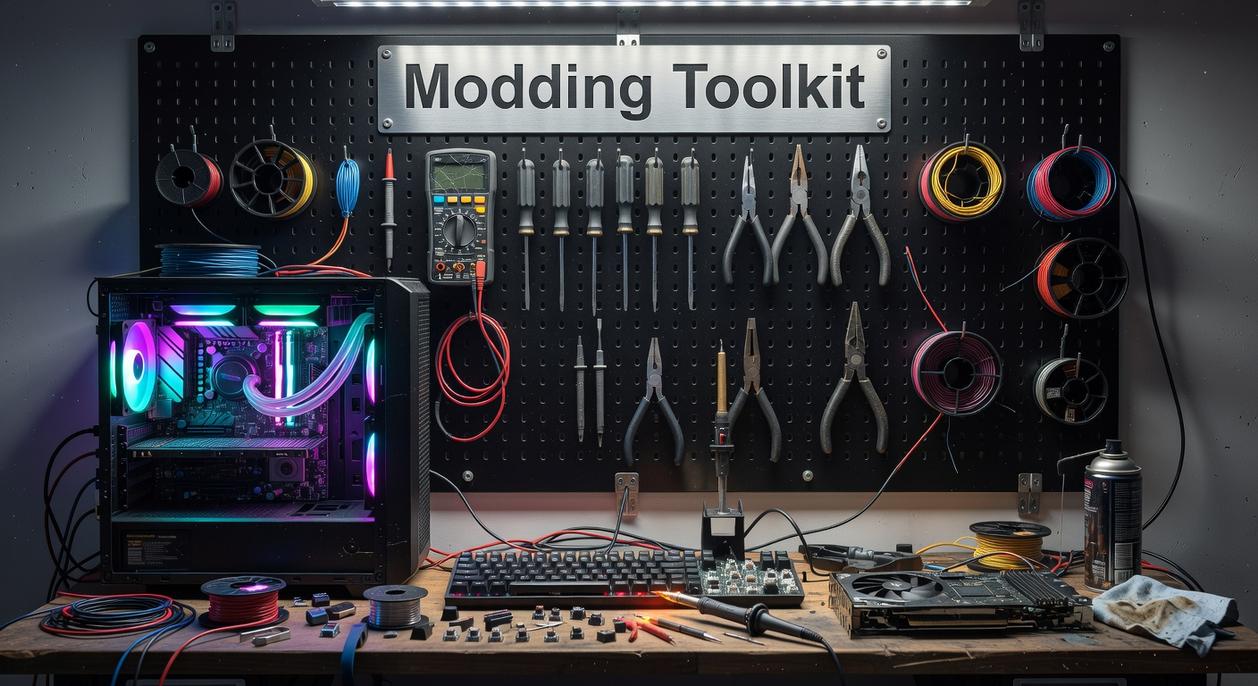
Every mod starts the same way: curiosity. Let’s turn that into action with a beginner-friendly workflow you can repeat (and eventually automate).
Step 1: Extraction – Getting the Game Files
Most modern games package assets into archives—compressed containers that store textures, meshes, and sounds. Unpacking means extracting those files so you can edit them. For Fallout 4 or Skyrim, use B.A.E. (Bethesda Archive Extractor) to open .BA2 files and export textures.
Some argue you shouldn’t touch base files at all—and they’re right about one thing: never overwrite originals. Always extract to a separate workspace folder. (Future-you will be grateful.)
Step 2: The Edit – Finding a Texture
Navigate the extracted folder structure. For example:
Data/Textures/Weapons/- Locate something like
laser_rifle_d.dds
The folder hierarchy mirrors how the engine loads assets. Think of it like a file-based treasure map.
Step 3: The Tool in Action – Modify the Asset
Open the .dds texture in GIMP or Paint.NET (both support DDS with plugins). Make a simple hue shift—turn that laser rifle chrome red.
Save using the same file format and compression. Pro tip: Match the original resolution to avoid performance issues (Bethesda engines are picky).
Step 4: Implementation – Packing & Testing
Place your edited file inside your game’s Data/Textures/Weapons/ directory. The engine prioritizes loose files over archives—so your version loads instead.
Test in-game. If it works, congratulations—you’ve overridden a core asset.
Looking ahead, tools will likely automate archive unpacking and conflict detection (speculation, but AI-assisted mod managers are already emerging).
If this sparks bigger ideas, explore how to write custom scripts for popular pc games next.
For deeper workflows, consult a solid game modding tools guide and keep experimenting.
Level Up: Frameworks for Ambitious Projects
Script Extenders like SKSE (Skyrim Script Extender) and F4SE (Fallout 4 Script Extender) expand a game engine’s scripting capabilities, letting modders add complex systems the base engine simply can’t handle. Think dynamic skill trees or survival mechanics that feel almost official (Bethesda walked so modders could run). Some argue these tools add instability or version headaches—and they’re not wrong. Updates can break everything overnight. But the payoff is creative freedom that transforms a mod from simple tweak to overhaul.
Version Control tools like Git track file changes, prevent data loss, and enable collaboration. If you’re building beyond a hobby project, it’s essential—any serious game modding tools guide will agree.
Build Your Vision: Start Modding Today
Now that you have a clear, categorized toolkit, the hardest part—figuring out where to begin—is behind you. Instead of bouncing between tutorials, focus on one lane at a time: visuals (textures and UI), models (3D assets), or scripts (game logic). For clarity, a game engine is the core software that runs a game’s physics and rules, while a modding framework lets you safely alter them.
Start small. Download GIMP or Audacity and tweak one texture or sound file. Over time, I predict AI-assisted modding tools will automate repetitive edits (speculation, but the trend is clear). So why wait? Open a game modding tools guide and build something today.
Level Up Your Modding Skills Today
You came here looking for clarity on how to navigate the evolving world of mods, tools, and performance tweaks—and now you have a clear roadmap to do exactly that. From understanding essential frameworks to optimizing performance and avoiding common pitfalls, you’re better equipped to build, customize, and refine your projects with confidence.
If you’ve ever felt overwhelmed by outdated tutorials, broken plugins, or tools that just don’t work as promised, you’re not alone. That frustration is exactly why having a structured, reliable game modding tools guide matters. The right knowledge saves you hours of trial and error—and prevents costly mistakes that can break your builds.
Now it’s time to take action. Apply what you’ve learned, test new tools strategically, and refine your workflow step by step. If you want cutting-edge modding insights, real-world optimization tips, and proven frameworks trusted by thousands of tech enthusiasts, explore our latest resources and stay ahead of the curve. Don’t let outdated tools slow you down—upgrade your modding stack today and start building smarter.
 Sidneyasen Russell is a dedicated tech writer and optimization specialist at LCF Mod Geeks, bringing precision and depth to every piece of content. With a focus on performance, coding frameworks, and practical implementation, he delivers actionable insights that empower developers to build smarter and faster. His analytical mindset and passion for efficiency make his contributions essential for readers looking to refine their skills and elevate their digital projects.