
If you’re searching for a clear, practical FastAPI tutorial for beginners, you likely want more than just theory—you want to build, run, and understand a modern API without getting lost in complex setup or abstract concepts. This guide is designed to walk you step by step through the fundamentals of FastAPI, from installation and project structure to creating routes, handling requests, and validating data.
We focus on what actually matters when starting out: writing clean endpoints, understanding how FastAPI leverages Python type hints, and seeing real examples that work. Every explanation is backed by tested code samples and aligned with current best practices used in production-ready applications.
By the end of this article, you’ll have a working foundation, a clear mental model of how FastAPI operates, and the confidence to start building and scaling your own APIs the right way.
Build Your First API with Confidence
FastAPI is a modern Python framework designed for speed and simplicity. If you’ve felt overwhelmed by Django or underpowered with Flask, this FastAPI tutorial for beginners shows you a cleaner path. You write less code, gain automatic validation, and get interactive docs instantly (yes, really).
By the end, you’ll have a running API on your machine and understand how type hints power request handling. The payoff? Faster development, fewer bugs, and production-ready performance backed by Starlette and Pydantic. Pro tip: use virtual environments to keep dependencies clean. Your confidence will grow with practice daily.
What is FastAPI and Why is it Gaining Popularity?
FastAPI is a high-performance web framework for building APIs with Python 3.7+ using standard Python type hints. In simple terms, type hints are annotations that tell your code what kind of data to expect—like labeling jars before filling them. Because of this design, FastAPI delivers blazing speed, powered by Starlette (for web handling) and Pydantic (for data validation). Benchmarks show performance comparable to NodeJS and Go (TechEmpower benchmarks).
However, here’s a contrarian take: speed alone isn’t why FastAPI matters. Plenty of fast frameworks exist. What truly sets it apart is how intuitive it feels. You write less boilerplate, introduce fewer bugs, and ship features faster.
Even better, it automatically generates interactive documentation with Swagger UI and ReDoc. That means your API explains itself—no extra effort required. For anyone starting with a FastAPI tutorial for beginners, this self-documenting feature feels almost unfairly convenient (in a good way).
Step 1: Setting Up Your Development Environment
The first time I tried building an API, I skipped environment setup and installed everything globally. Big mistake. Two projects later, my dependencies were fighting like Marvel rivals in Civil War. Lesson learned.
Prerequisites
Before starting this FastAPI tutorial for beginners, make sure you have:
- Python 3.7+
Check with:python --version - pip (Python’s package installer)
Check with:pip --version
If your version is outdated, download the latest Python from python.org (pro tip: always grab the newest stable release to avoid compatibility issues).
Creating a Virtual Environment
A virtual environment is an isolated workspace for your project’s dependencies. It prevents version conflicts between projects (and saves future-you from headaches).
Create one:
python -m venv venv- Activate it:
- macOS/Linux:
source venv/bin/activate - Windows:
venv\Scripts\activate
Once activated, your terminal will show (venv).
Installing FastAPI and Uvicorn
Run:
pip install "fastapi[all]"
FastAPI is the framework (the brain). The [all] installs optional extras like validation and documentation tools.
Uvicorn is a lightning-fast ASGI server—it runs your app. Think of FastAPI as the script and Uvicorn as the stage crew making the show happen.
If you’re also interested in frontend performance, check out exploring nextjs features for high performance websites.
Step 2: Building and Running Your First API Endpoint
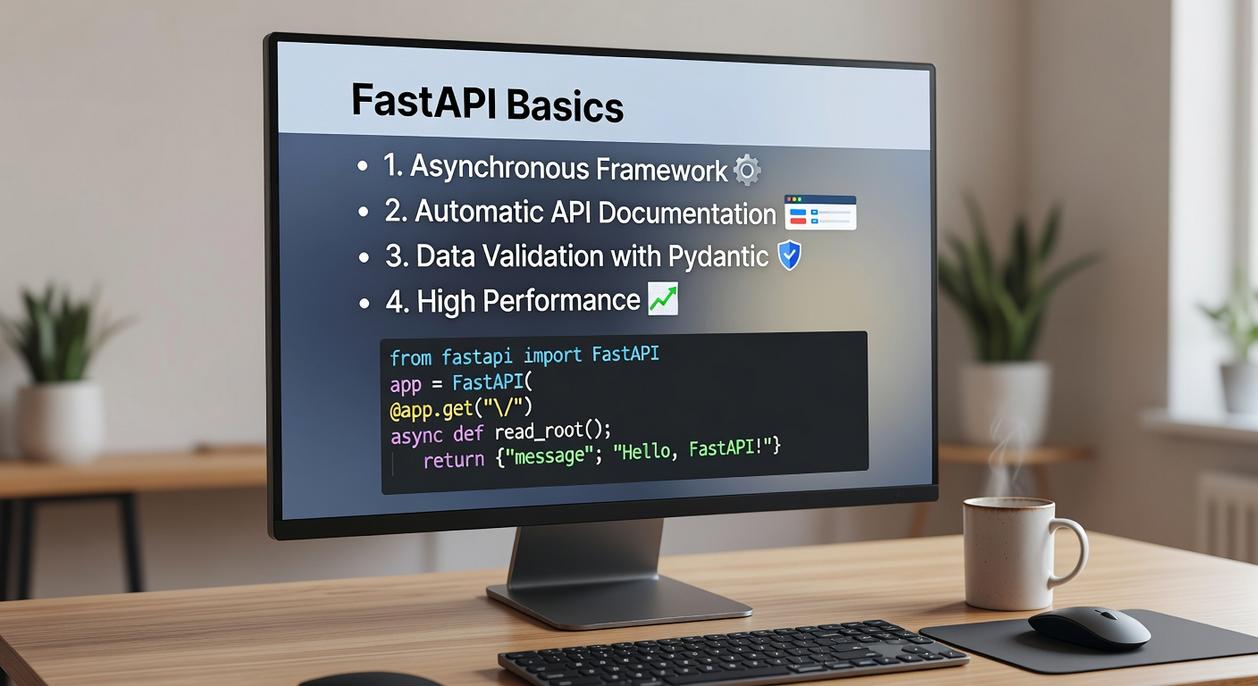
Create a new file in your project folder called main.py. This will act as the entry point for your application—the place where your API begins listening for requests.
The Minimal “Hello World” App
# Import the FastAPI class from the fastapi module
from fastapi import FastAPI

# Create an instance of the FastAPI class
app = FastAPI()

# Define a path operation using a decorator
@app.get("/")
# Define the function that will run when this path is accessed
def read_root():
    return {"message": "Hello World"}
Breaking Down the Code
Importing FastAPI brings in the framework that handles HTTP requests and responses. Think of it as the engine under the hood.
Creating app = FastAPI() initializes your web application. This app object becomes the central registry for routes (URLs) and logic.
@app.get("/") is a path operation decorator. In plain English, it means: “When someone sends an HTTP GET request to the root URL (/), run the function below.” A GET request is simply a request to retrieve data—like loading a webpage.
read_root() is the function tied directly to that route. When a user visits your API’s root address, this function executes and returns JSON data.
Running the Server
In your terminal, run:
uvicorn main:app --reload
- main refers to
main.py - app refers to the FastAPI instance
- –reload automatically restarts the server when you save changes (a beginner-friendly lifesaver)
Visit http://127.0.0.1:8000 in your browser. You should see your JSON response.
Many guides stop here. But in a proper FastAPI tutorial for beginners, understanding why this wiring works gives you a structural advantage when scaling beyond “Hello World.” (Yes, you’ve officially built an API endpoint.)
Step 3: Exploring the Magic of Automatic API Docs
The first time I ran a FastAPI project, I remember staring at the terminal thinking, “Okay… now what?” Then I typed /docs after my local URL (for example, http://127.0.0.1:8000/docs) and hit Enter. Suddenly, a polished interface appeared. It felt like unlocking a hidden control panel (and yes, I actually said “whoa” out loud).
What you’re seeing is Swagger UI—an automatically generated, interactive API documentation page. Automatic here means FastAPI reads your code and builds live documentation for you. No extra setup. No manual writing. You’ll even spot your / endpoint neatly listed.
Click the endpoint, press “Try it out,” then “Execute.” This simulates a real API call—meaning it sends a request and shows the response directly in your browser. It’s like a built-in testing lab.
Prefer a cleaner, more static layout? Visit /redoc for ReDoc, an alternative documentation style.
If you’re following a FastAPI tutorial for beginners, this is the moment everything starts feeling real.
Your Next Steps: From First Endpoint to Full Application
You’ve done more than you think. You set up a development environment, launched a working web server, defined your first endpoint, and explored interactive docs powered by Swagger UI. That’s not theory—that’s a functioning API.
For many beginners, web development feels like staring at the cockpit of a spaceship (too many buttons, not enough clarity). By walking through a structured FastAPI tutorial for beginners, you removed that initial friction. FastAPI’s automatic validation, type hints, and built-in documentation aren’t just features—they reduce errors, speed up testing, and make your code easier to scale.
Now it’s time to level up:
- Create path parameters like
/items/{item_id}to handle dynamic data. - Use query parameters for filtering and searching.
- Add Pydantic models for structured data validation and cleaner request handling.
Pro tip: Treat each new feature as a building block toward a full CRUD application.
You’re no longer experimenting. You’re building.
Mastering FastAPI the Right Way
You came here looking for a clear, practical path to building APIs without getting overwhelmed by complex documentation or scattered tutorials. Now you understand how to structure routes, handle requests, validate data, and optimize performance using FastAPI tutorial for beginners as your foundation.
The frustration of slow development, confusing errors, and poorly documented frameworks can stall your progress. FastAPI eliminates that friction—but only if you apply what you’ve learned consistently and build real projects.
Your next step is simple: start building. Implement a small API, test it, break it, and optimize it. Then expand. The fastest way to mastery is execution.
If you’re tired of wasting time piecing together outdated resources and want streamlined tech insights, coding frameworks, and optimization strategies trusted by thousands of developers, don’t stop here. Explore our latest guides, tools, and modding resources now and level up your development workflow today.
 Sidneyasen Russell is a dedicated tech writer and optimization specialist at LCF Mod Geeks, bringing precision and depth to every piece of content. With a focus on performance, coding frameworks, and practical implementation, he delivers actionable insights that empower developers to build smarter and faster. His analytical mindset and passion for efficiency make his contributions essential for readers looking to refine their skills and elevate their digital projects.