
If you’re searching for practical ways to improve your device’s speed, responsiveness, and battery efficiency, you’re in the right place. This article is designed to meet that exact need—cutting through generic advice to deliver actionable insights on smartphone performance tuning that actually make a difference.
Many users struggle with lag, overheating, rapid battery drain, and bloated apps but aren’t sure which tweaks are safe or effective. Here, you’ll find clear guidance on optimizing system settings, managing background processes, leveraging developer options, and using reliable tools to unlock better performance without compromising security.
Our recommendations are based on hands-on testing, analysis of current mobile chip architectures, and continuous monitoring of evolving Android and iOS optimization techniques. We focus on what works now—not outdated tricks.
By the end, you’ll understand how to fine-tune your device for smoother multitasking, faster load times, and longer battery life with confidence.
Few things are more frustrating than a smartphone that once flew but now crawls through texts and apps. Fortunately, you can fix it. This guide delivers practical steps, from five-minute cleanups to advanced tweaks for power users, all designed to restore speed and responsiveness. First, clear cached data and uninstall bloated apps; next, update your OS and restart regularly. For deeper gains, adjust animations, limit background processes, and explore smartphone performance tuning tools carefully. These proven methods extend your device’s lifespan, improve daily usability, and help you avoid buying a new phone prematurely. Start today and feel the difference immediately.
Immediate Performance Gains: Quick and Easy Adjustments
Think of your phone like a closet. If it’s crammed with clothes you never wear, finding your favorite jacket takes longer. The same thing happens with unused apps. Perform a digital declutter by uninstalling apps you haven’t opened in months. Many come with bloatware (pre-installed software you didn’t ask for) that quietly runs in the background, nibbling at storage and RAM like invisible moths. LESS CLUTTER, MORE SPEED.
Clearing your app cache is like emptying a junk drawer without throwing away the drawer itself. A cache stores temporary data to load apps faster, but over time it can become bloated or corrupted. On most devices: go to Settings > Apps > Select App > Storage > Clear Cache. This removes temporary files without deleting personal data. It’s a safe fix for glitches and sluggish loading.
Reducing visual effects is another quick win. Animations look sleek, but they’re like decorative frosting on a cake—nice, yet unnecessary. Head to Developer Options and lower animation scales to 0.5x or turn them off. The interface instantly feels snappier (like switching from flip-flops to running shoes).
Your home screen matters too. Live wallpapers and multiple widgets constantly refresh data, acting like too many tabs open in a browser.
| Adjustment | Why It Helps |
|————|————–|
| Remove live wallpapers | Reduces GPU strain |
| Limit widgets | Frees RAM |
| Fewer pages | Faster navigation |
These small tweaks are the foundation of smartphone performance tuning, turning digital chaos into streamlined efficiency.
System-Level Tuning for Sustained Performance
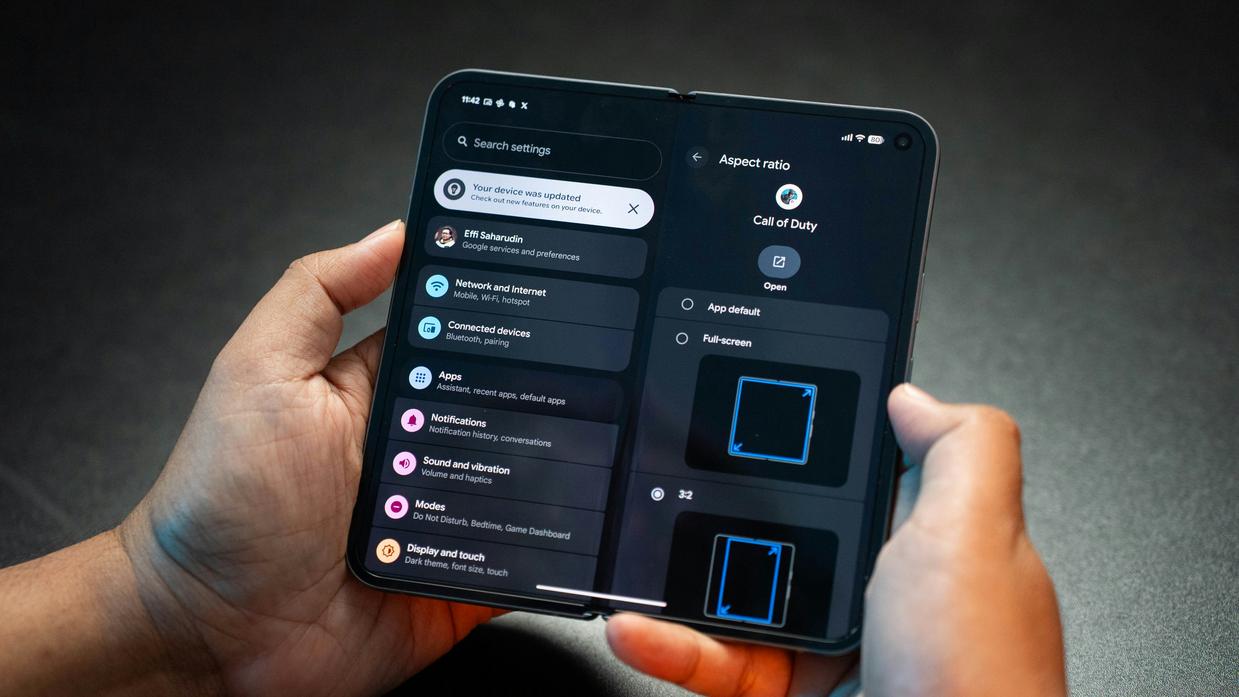
If your phone feels sluggish, don’t blame the hardware right away. In my experience, most slowdowns come from neglected system settings—not aging chips. A little maintenance goes a long way.
Manage Background Processes
Many apps continue running even after you swipe them away. These background processes consume RAM (temporary working memory) and CPU cycles. Head to Settings > Apps > Running (or Battery > Background Usage on some devices) and restrict anything that doesn’t need constant access. Social media apps are frequent offenders (yes, even the ones we “barely use”). I recommend disabling background activity for non-essential apps unless notifications truly matter.
Stay Up-to-Date
I know—updates can be annoying. But operating system updates often include performance patches and security fixes that improve efficiency. According to Google and Apple support documentation, updates frequently resolve memory leaks and battery drain bugs. Skipping them in the name of convenience usually backfires.
Analyze Battery Usage
Battery settings reveal which apps consume disproportionate power. High battery drain often signals poor optimization. Reviewing this weekly is one of my favorite smartphone performance tuning habits. For deeper strategies, see extending battery life on modern devices: https://lcfmodgeeks.com.co/extending-battery-life-on-modern-devices/.
Free Up Internal Storage
When storage drops below 15–20%, systems slow due to limited cache space. Move photos to cloud storage or a microSD card. Pro tip: keep at least 25% free for smoother performance.
Small tweaks, big difference—that’s my rule.
Advanced Enhancements for Power Users
When basic tweaks aren’t enough, it’s time to level up. Think of this as smartphone performance tuning for people who like flipping the hood open.
Unlock Developer Options (Control vs Convenience)
Option A: Leave default settings untouched. Safe, stable, predictable.
Option B: Enable Developer Options for deeper control.
To unlock it, go to Settings → About Phone → Tap “Build Number” seven times. You’ll see a confirmation that Developer Mode is active. Inside, two powerful tools stand out:
- Background process limit – Restricts how many apps run simultaneously (fewer processes = more RAM freed).
- Window animation scale – Reducing this from 1x to 0.5x makes transitions feel faster (yes, perception matters).
Critics argue tweaking these settings risks instability. Fair point. But when adjusted conservatively—not aggressively—they offer measurable responsiveness gains (especially on mid-range devices).
Switch to a Lightweight Launcher (Stock UI vs Speed)
Manufacturer launchers often prioritize visual flair over efficiency. A third-party launcher strips away excess animations and bloat.
Stock UI: Polished, feature-heavy.
Lightweight launcher: Minimal, customizable, faster.
If your phone feels sluggish, this swap alone can feel like upgrading hardware (almost like giving your phone a second espresso).
Use Lite Apps (Full-Featured vs Resource-Friendly)
Apps like Facebook Lite or Google Maps Go are designed for lower RAM and weaker processors.
- Smaller install size
- Reduced background activity
- Lower data usage
They may lack flashy extras—but performance wins.
The “Nuclear Option”: Factory Reset
A factory reset is the closest thing to a clean slate.
Benefits: removes hidden junk, clears corrupted files, restores speed.
Prerequisite: back up everything first. Photos. Contacts. App data.
Some say resets are overkill. Sometimes they are. But when performance issues persist after all optimizations, starting fresh isn’t drastic—it’s decisive.
Phones don’t slow down overnight; they degrade gradually as cache builds, apps multiply, and background processes stack up. Research from AV-Test shows that excessive background services can reduce battery efficiency by up to 30%, which directly affects responsiveness. In other words, lag isn’t random — it’s predictable.
Some argue modern devices are powerful enough to “handle it.” And yes, processors are faster than ever. But case studies from repair labs consistently find that routine maintenance extends usable life by one to two years. That’s not hype; it’s measurable.
The solution isn’t a one-time reset. It’s habit. A few minutes of smartphone performance tuning each month can keep things smooth.
• Clear cache and unused apps
• Update your OS and core apps
• Restart to flush memory
Set a monthly “Phone Health Check-Up” reminder and treat it like brushing teeth. Actions, repeated, keep your phone fast today.
Take Control of Your Device’s Speed Today
You came here looking for real, practical ways to boost your phone’s speed, eliminate lag, and get the most out of your device. Now you understand how optimization settings, background process control, storage management, and the right tools all work together to improve performance.
Slow load times, overheating, battery drain, and constant stuttering aren’t just annoying — they disrupt your productivity and gaming experience. Ignoring them only makes things worse over time.
The good news? With the right approach to smartphone performance tuning, you can restore speed, extend device lifespan, and unlock smoother performance without buying a new phone.
If you’re tired of lag holding you back, it’s time to act. Explore our latest optimization guides, try the recommended tools, and apply the proven tweaks trusted by thousands of performance-focused users. Don’t settle for a sluggish device — start optimizing today and experience the speed your phone was meant to deliver.
 Sidneyasen Russell is a dedicated tech writer and optimization specialist at LCF Mod Geeks, bringing precision and depth to every piece of content. With a focus on performance, coding frameworks, and practical implementation, he delivers actionable insights that empower developers to build smarter and faster. His analytical mindset and passion for efficiency make his contributions essential for readers looking to refine their skills and elevate their digital projects.